Paper, Purpur or Vanilla
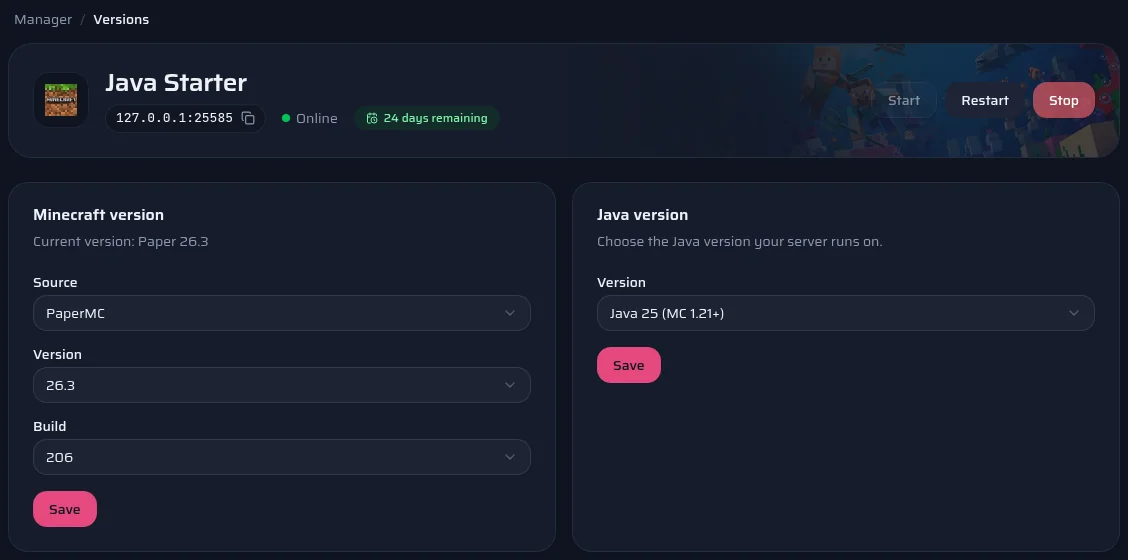
Paper is a server derived from Spigot. It loads Bukkit, Spigot and Paper plugins, and fixes many of the slowdowns in Mojang's server. Paper is installed by default on our Minecraft Java plans.
Purpur builds on Paper and adds gameplay settings in a purpur.yml file, for example to ride creatures or change how mobs behave. It accepts the same plugins. If you don't need those settings, Paper is enough.
Vanilla is Mojang's official server. It loads no plugins, and suits a survival world with friends that wants the game as it is.
Official documentation: Paper, Purpur
Installing a plugin
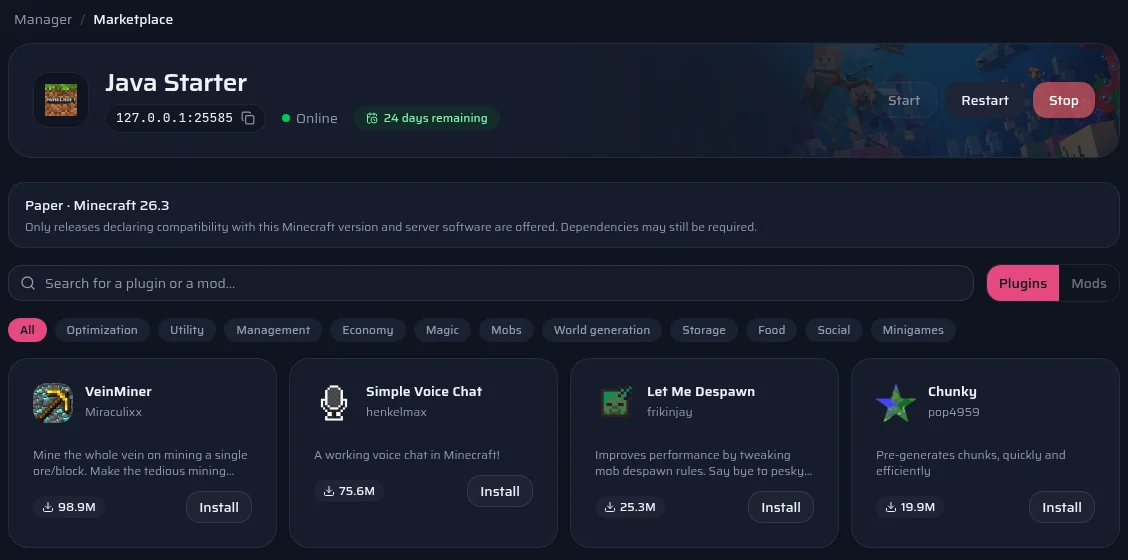
- Open your server's Marketplace page in the panel.
- Search for the plugin, for example LuckPerms for permissions or EssentialsX for basic commands.
- Pick a version. The panel only offers those the author declares compatible with your Minecraft version and your server software.
- The file goes into the plugins folder. Restart the server to load it.
The compatibility shown is what the author declares on Modrinth; we don't test it plugin by plugin. If a plugin fails to start, the panel's console says which one and why.
Official documentation: Modrinth
Installing a plugin manually
Many plugins are only published on SpigotMC or Hangar. Download the .jar file from their page, then upload it into the plugins folder with the panel's file manager or over SFTP.
On first start, the plugin creates its configuration in plugins/<plugin name>. Edit it from the same file manager, then restart.
Official documentation: Hangar
A 3D map of your world
The panel draws a 3D map of your world with BlueMap and updates it every hour. You open it from the 3D map page and can share it with your players through a link. There is no plugin to install: the map is rendered next to the server.
Official documentation: BlueMap